How to choose a computer desk
A computer desk should fit your equipment, your working habits and the space you have. A laptop on its own takes up much less room than a monitor, keyboard and accessories. Here are five things to measure or check, with examples from the Techly range.
Five things to check when choosing a computer desk
1. How you use the workstation
List everything that needs to sit on the desk. A compact surface may be enough for a laptop. A monitor, speakers, paperwork and accessories need more room. Consider whether the desk will stay in one place, move between rooms or only come out on certain days.
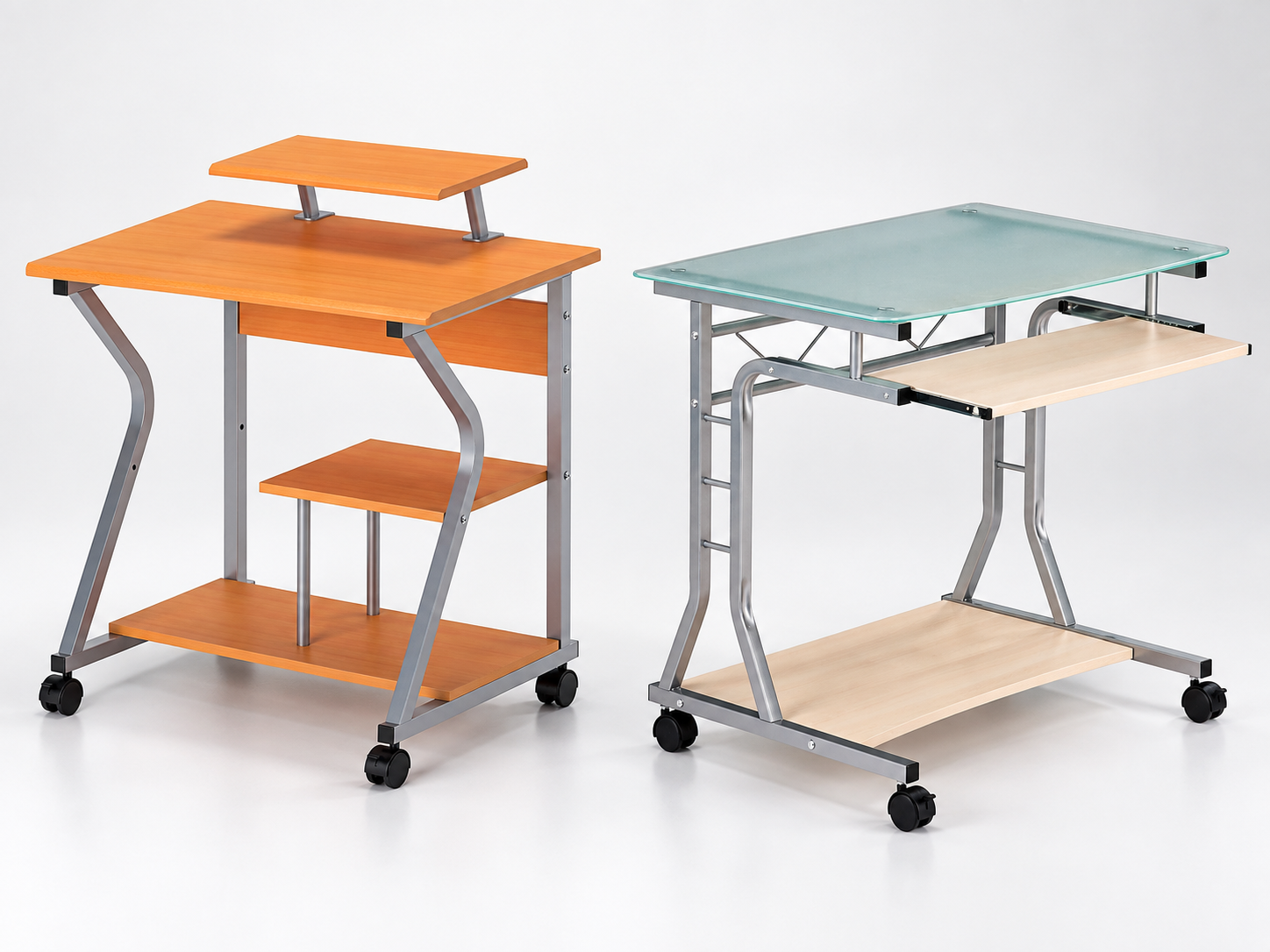
A folding desk can be put away after work. A desk on castors can be moved without dismantling the workstation. If you choose castors, check whether they lock.
2. Desktop width and depth
Measure your equipment before buying. The width determines whether a monitor, laptop and accessories fit side by side. The depth sets your viewing distance and leaves space for the keyboard and mouse. Allow room for the chair, your legs and space to move back from the desk.
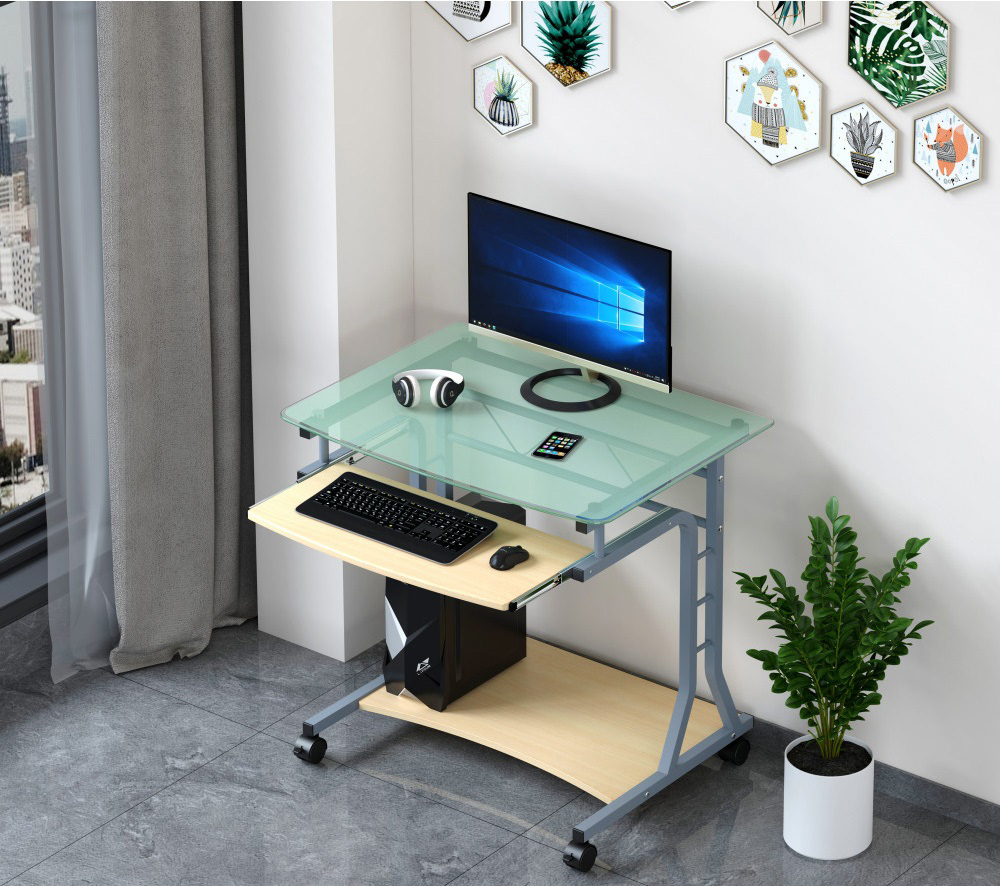
A pull-out keyboard shelf or a shelf for a PC can free up space on a small desk. When measuring the available wall space, check how much usable surface will remain once the equipment is in place.
3. Height and adjustment
Choose a height that lets you type with relaxed shoulders and your forearms resting naturally. Chair height and screen position matter too. For an adjustable desk, check its height range, how it adjusts and how stable it feels at your working height.
4. Stability and load capacity
Check the frame, materials, maximum load and manufacturer’s guidance. Add up the weight of your monitor, computer, monitor arm and other items. Allow some capacity for future accessories. For an adjustable desk, check that the stated load rating applies to the way you intend to use it.
5. Cables and accessories
Drawers and shelves free up desk space. Cable openings and guides keep leads together. Check that a power strip fits underneath and that cables have enough slack when the desk moves or changes height. This also makes the workstation easier to keep tidy.
Which Techly desk suits your space?
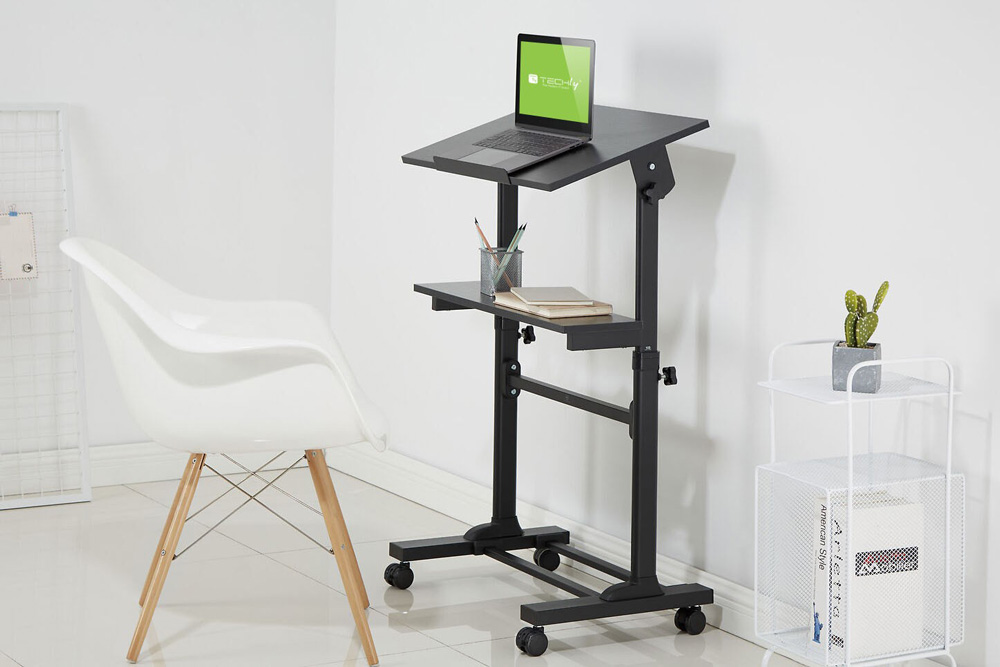
Techly offers compact computer desks, desks on castors and folding models. Start with the desktop dimensions, load rating and equipment. For example, the Techly ICA-TB 131B has a 60 × 48 cm desktop, castors and a pull-out keyboard shelf, making it a practical choice where space is tight.
If you want to put the desk away after work, consider the Techly ICA-TB 123FOL folding desk. Its 80 × 46 cm desktop folds down to a depth of about 9.2 cm, so it suits a room used for several purposes. Remove equipment as directed in the model’s instructions before folding it.
The range also includes height-adjustable workstations and desks with extra shelves. Features vary, so compare the specifications for the individual model. Read more on Netinet’s Techly brand page.
Frequently asked questions about computer desks
Do I need to clear a folding desk before putting it away?
Check the manufacturer’s instructions and how the mechanism folds. Remove anything that could fall or obstruct the mechanism.
Is a desk on castors stable?
Stability depends on the frame, the load and the castors. Check that the castors lock and that the desk does not rock once it is in position.
Does a height-adjustable desk need a special chair?
Choose a chair that lets you sit comfortably at the selected desk height. For standing work, check your screen position and make sure you can change posture throughout the day.
Find a desk that fits your workstation
Compare the dimensions, mobility, load capacity and features of Techly desks for your business or home office.