How to choose a projector mount
Match the mount to the projector’s weight, mounting-hole pattern and intended position. The adjustment range, distance to the screen and cable route also matter. Use the checklist below to choose a ceiling or wall mount for a home cinema, meeting room or classroom.
What should you check when choosing a projector mount?
Compatibility and load capacity. Compare the number and spacing of the projector’s mounting holes with the reach of the mount’s arms. Weigh the projector with any accessories fitted and choose a mount rated for more than the total. Even a mount described as universal has limits.
Image position. Decide where the screen will go first. Use the projector manual or the manufacturer’s calculator to find the required throw distance. The projector’s optics determine the image size at that distance. The mount lets you place and align the projector there. Check tilt, swivel and height adjustment, and whether the projector offers lens shift.
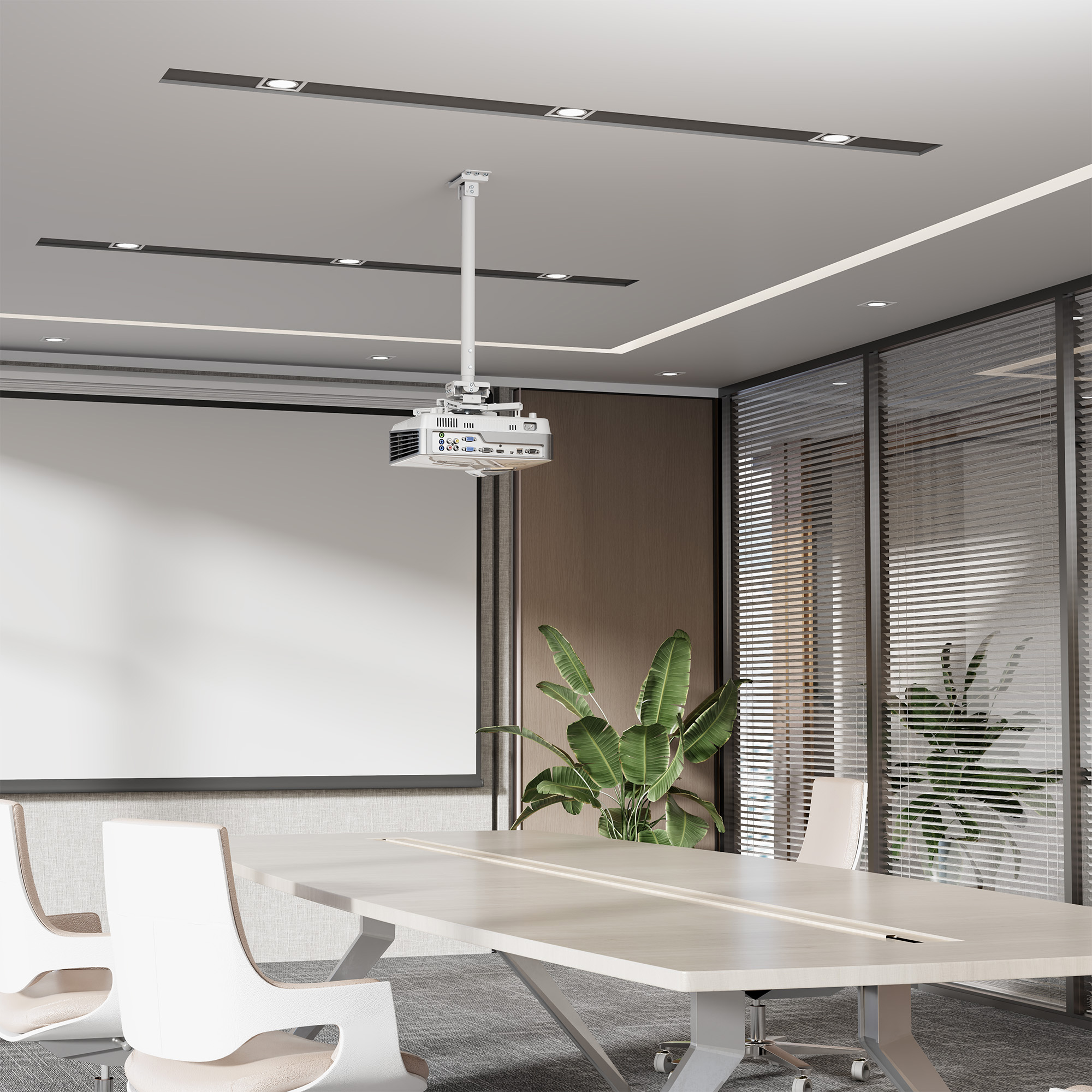
Mounting location. A ceiling mount keeps the floor clear and usually suits a permanent installation. A wall mount with an extension arm can be useful when the projector needs to sit close to the screen. Check the room structure, the arm length and the required lens position.
Ventilation and cables. Leave the clearances specified in the projector manual and keep the mount clear of the air intakes and exhausts. Plan the cable route with enough slack for adjustments and access to the connectors.
A pre-purchase checklist
- Write down the projector model, weight and mounting-hole spacing. Compare them with the mount’s specifications.
- Measure from the lens to the screen and use the projector documentation to check the resulting image size. A short-throw projector may need a different position from a standard-throw model.
- Measure the ceiling height and check the fixing point. Make sure the arm can position the lens at the right height without interfering with lights.
- Identify the wall or ceiling structure. Fixings must suit the material and the load. For a suspended ceiling, the mount must attach to a load-bearing structure.
- Plan for power and signal cables. Check that neither will be under tension after alignment.
Once mounted, align the projector as squarely to the screen as possible. Mechanical adjustment usually reduces the need for digital keystone correction. If you move the projector between rooms, consider how often you would actually use a fixed mount.
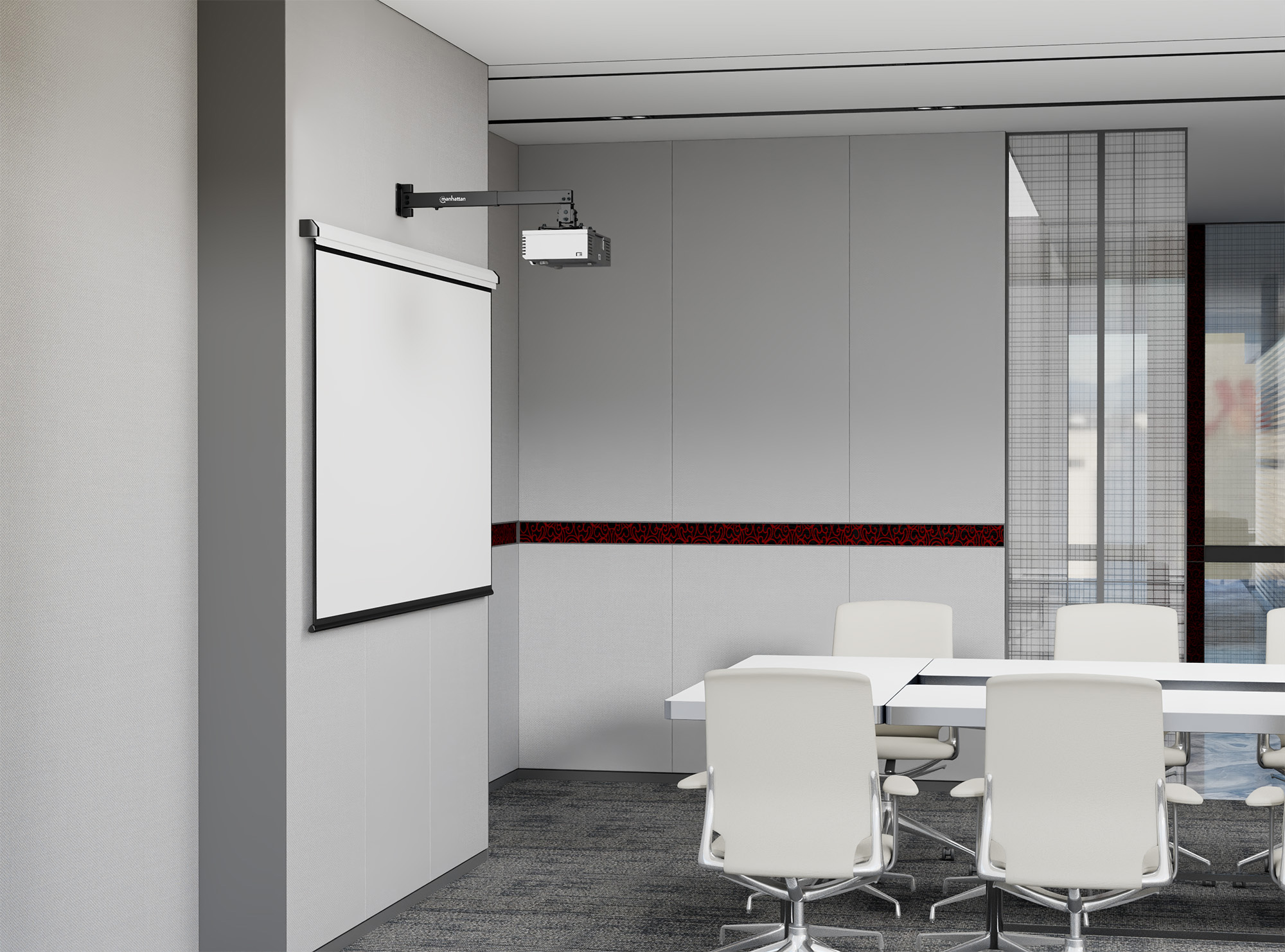
Choosing between Manhattan and Techly mounts
Manhattan and Techly offer ceiling and wall mounts with different load ratings, arm lengths and adjustment ranges. Check the individual mount against the projector manual and the conditions in the room.
Explore Manhattan and Techly projector mounts
Browse the available projector mounts.
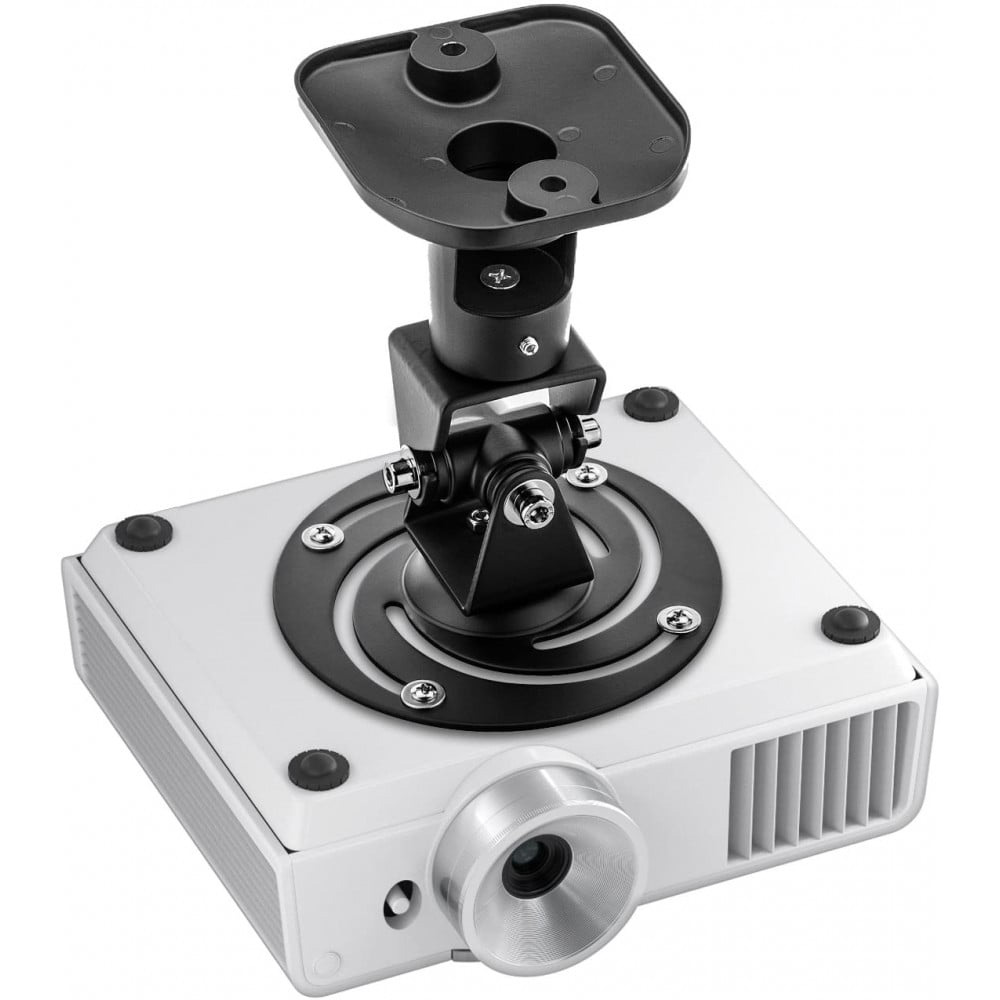
Frequently asked questions about projector mounts
Will a universal mount fit my projector?
A universal mount can fit many projectors. Check its adjustment range, mounting-hole pattern and maximum load against your particular model.
Does the mount affect image quality?
The projector’s optics stay the same, but a stable, adjustable mount helps keep the picture aligned. Vibration or a slight movement can shift the image on screen.
Can I install a projector mount on a suspended ceiling?
Yes, provided it attaches to a suitable load-bearing structure. Ceiling tiles alone cannot carry the load. Check the ceiling and mount documentation and consult an installer if you are unsure about the fixing point.
How do I install a projector mount?
Plan the projector position relative to the screen and check the load capacity of the mounting surface. Select fixings for that wall or ceiling, install the mount as instructed, attach the projector and align the image. Finish by checking the connections and cable routing.
Find the right mount for your projector
Browse projector mounts from Manhattan and Techly to find a model that fits your projector and mounting location.
Netinet B2B catalogue
Netinet trade partners can compare mounts by projector specifications in the B2B catalogue.